 WunaCare
Your child's wellbeing, in one app.
Screen in minutes, follow every plan and session, read reports from school or a consultant, and keep a daily routine on track with a timetable that rings.
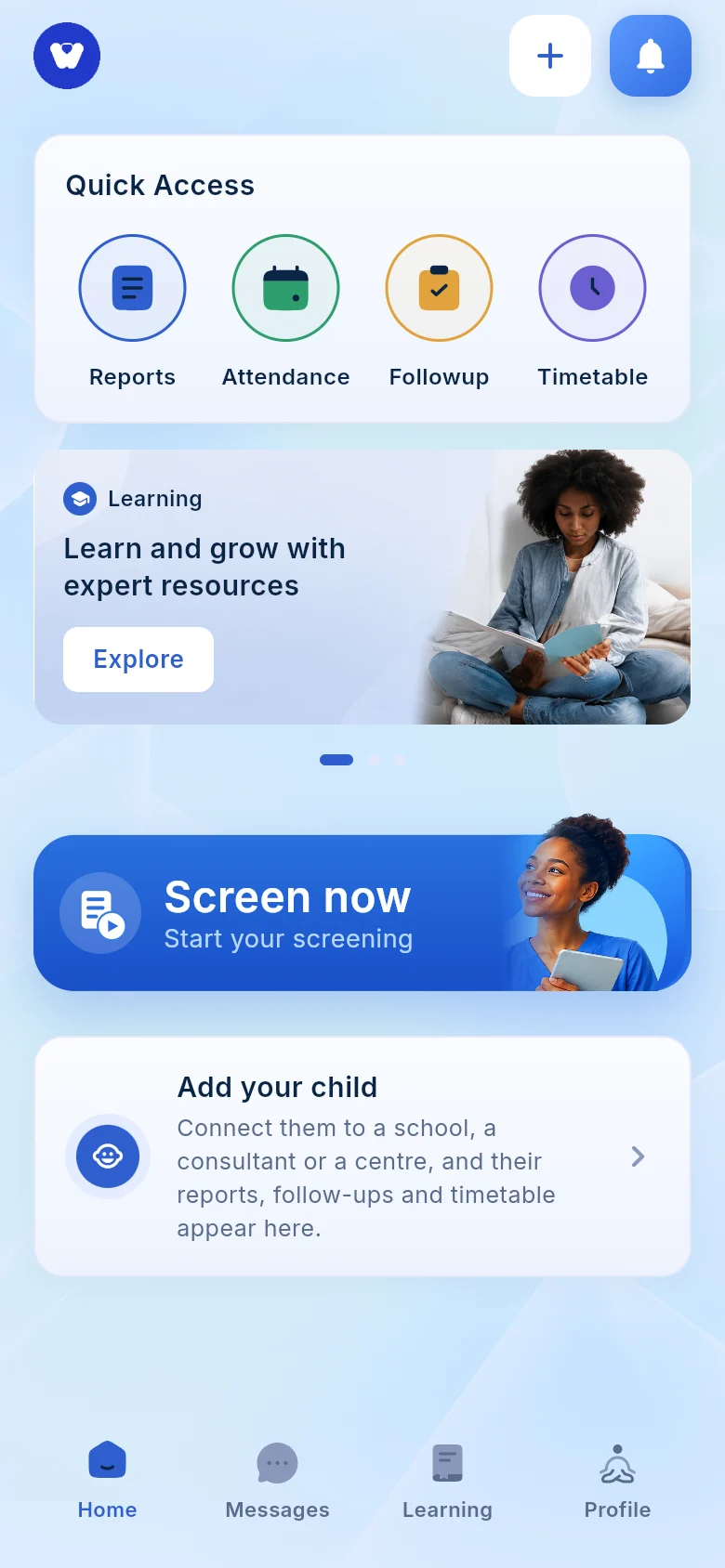
Everything a worried parent needs, in one calm place.
No more chasing papers and phone calls. WunaCare keeps the screening, the plan and the reminders together.
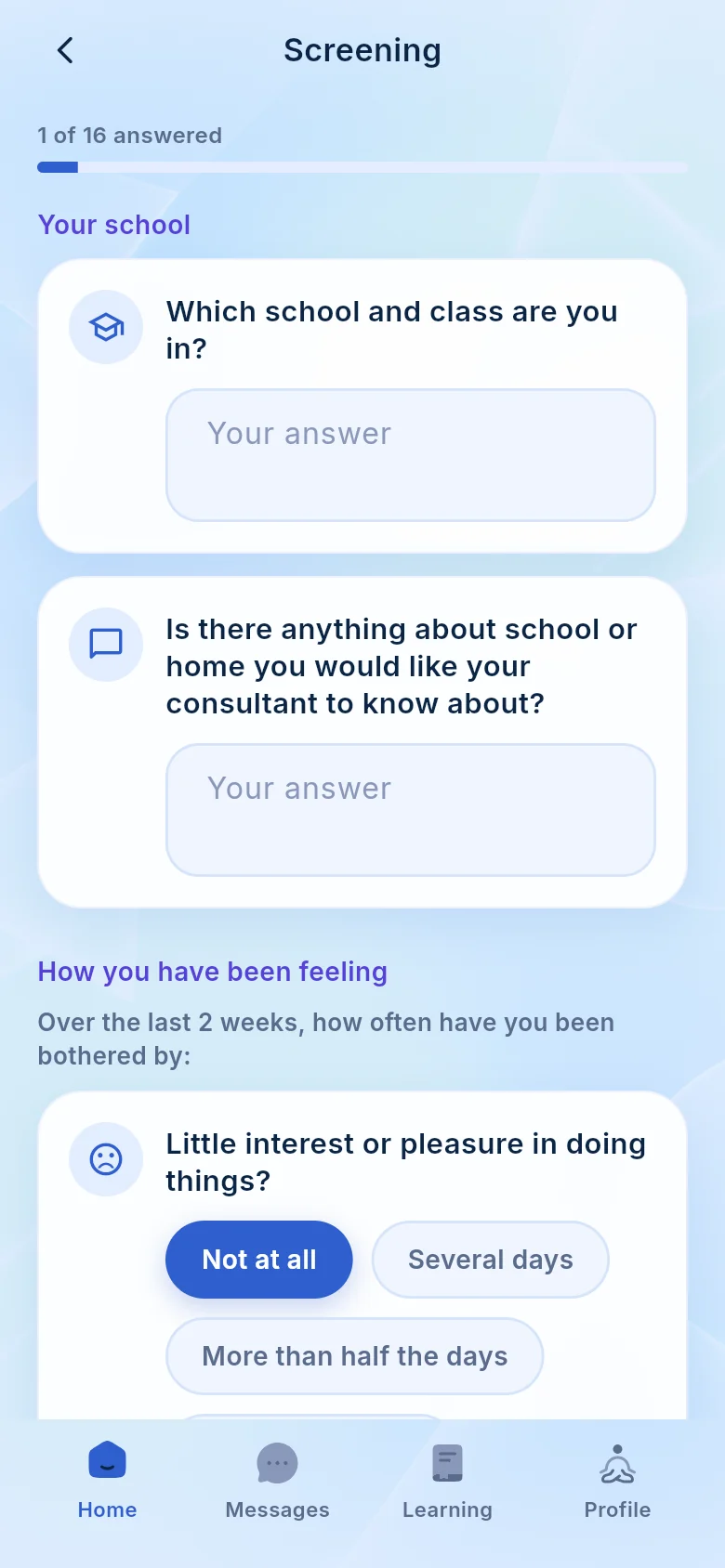
Questions that feel like a conversation.
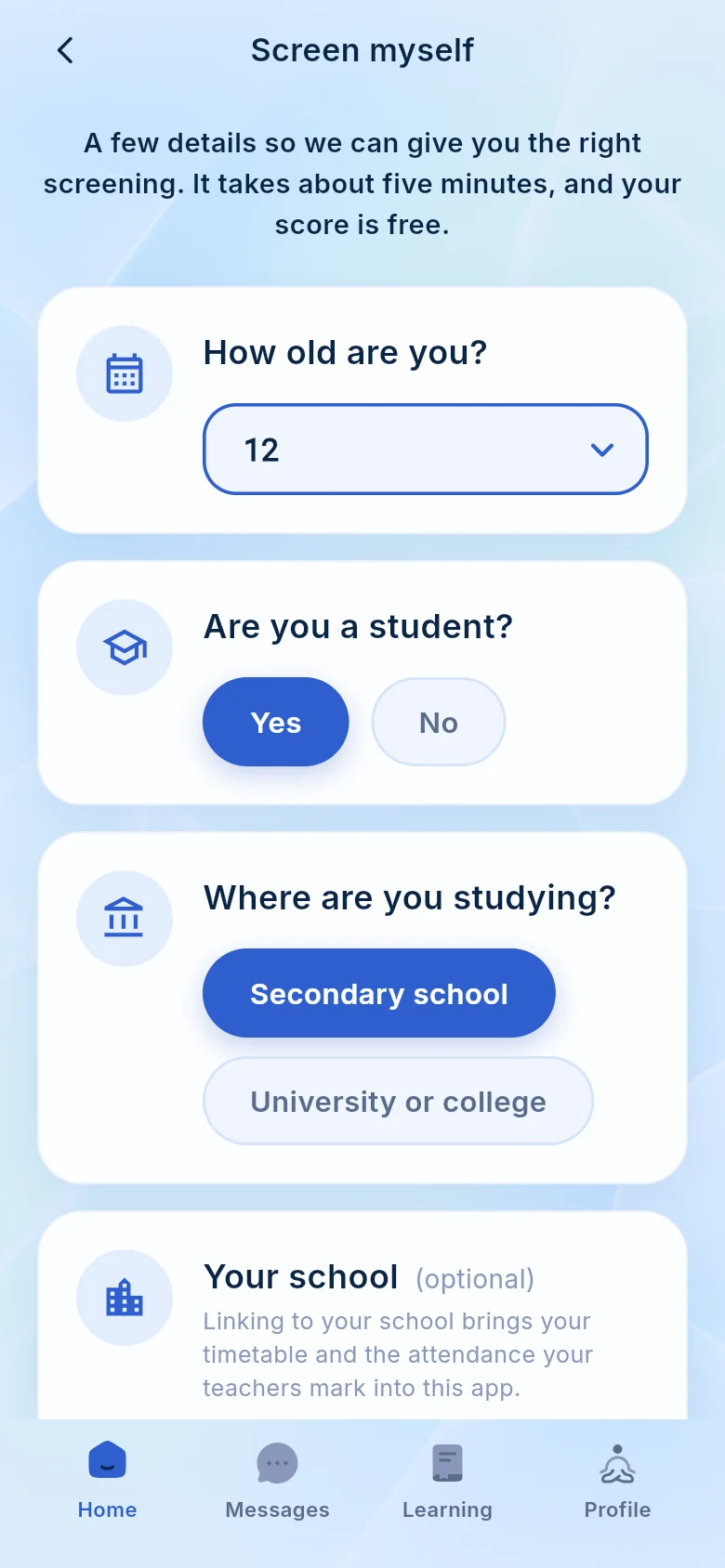
A few details first, so the app picks the right screening for the person: a secondary student, a university student or an adult. Then short, clear cards to answer at your own pace.
- Screen yourself, or follow up on your child.
- Tap an answer, no typing needed for most questions.
- A screening is not a diagnosis. It shows what to talk to a consultant about first.
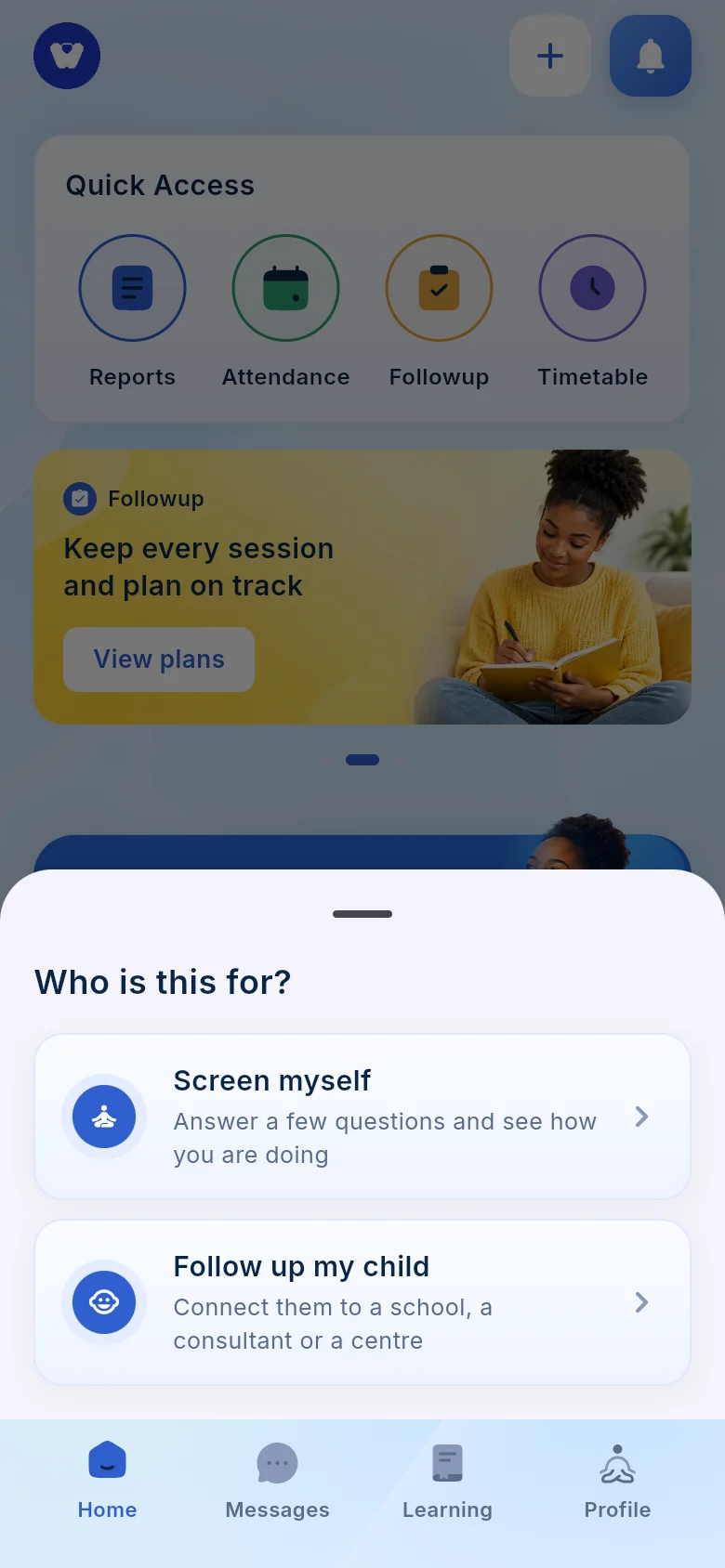
One home for you and your child.
Quick Access puts reports, attendance, follow-up and the timetable one tap away. Link your child to their school and everything they share with you appears here.
- Reports from your child's school or consultant.
- The next follow-up always on top, with what is overdue kept apart.
- Notifications that take you straight to the right child.
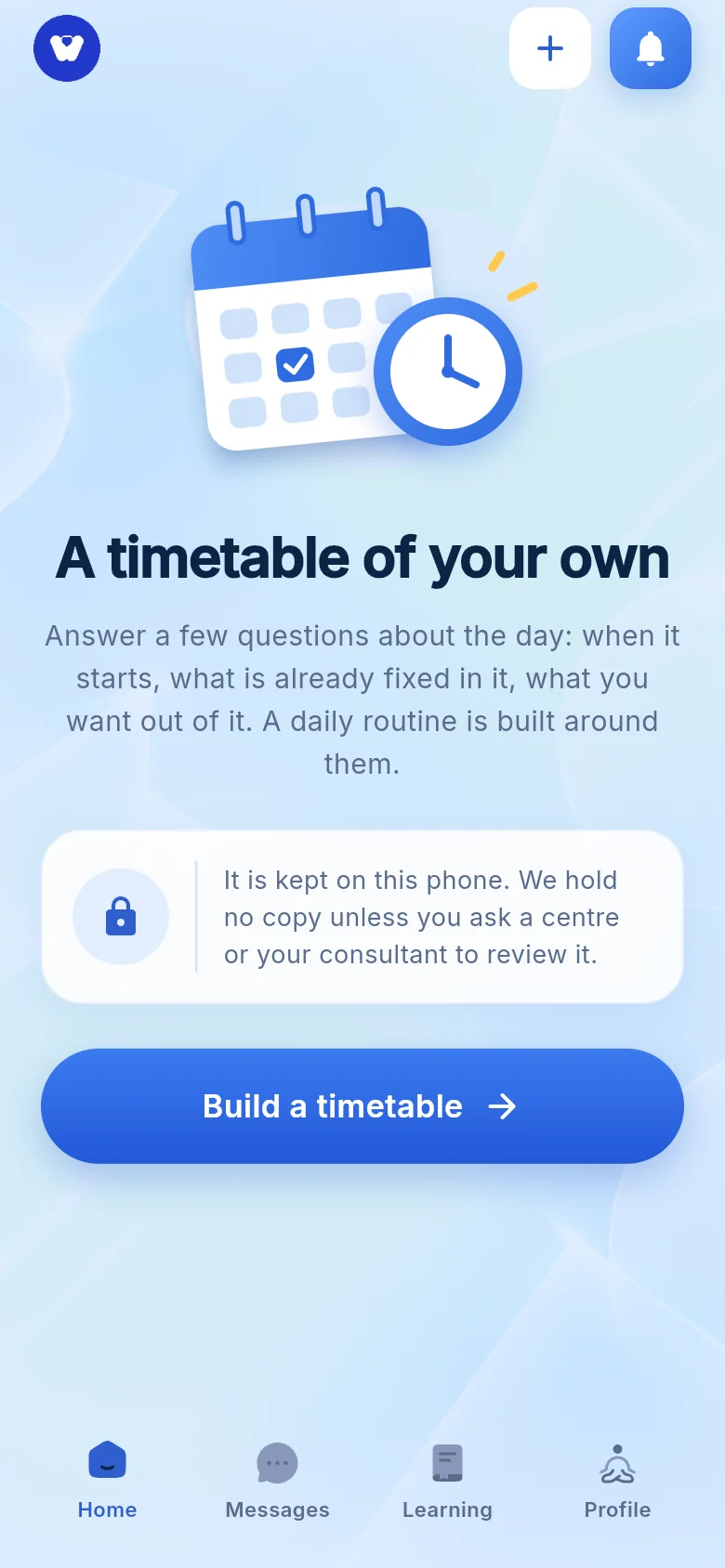
A daily routine that actually rings.
Answer a few questions about the day and WunaCare builds a routine around it. Switch alarms on for the things that matter, and keep them quiet when the child is in class.
- Fully editable, and you decide which alarms are on.
- Stored on your phone. We hold no copy unless you ask a consultant to review it.
- Download it as a PDF whenever you like.
From the first question to the last follow-up.
Clear reports
Case reports written for parents, readable on your phone and downloadable when you need them.
Follow-up plans
See each session, what it is for, and what is coming next. Get reminded before it happens.
Attendance
The attendance your child's teachers mark, shown to you as it happens.
Smart alarms
Real phone alarms for the moments that matter, with a clock that fills the screen when one goes off.
Messages
Talk with your child's school or consultant without leaving the app.
Learning
Short lessons from consultants on the things parents ask about most.
Up and running in three steps.
Create your account
Sign up with your email or with Google. It takes under a minute.
Screen, or add your child
Answer a short screening about yourself, or link your child to their school, a consultant or a centre.
Follow the plan
Read the report, keep to the follow-up dates and let the timetable keep the day on track.
Sensitive things stay with you.
Wellbeing is personal. WunaCare is designed so you stay in control of what is shared, and with whom.
Get WunaCare on your Android phone.
The app is not on Google Play yet, so you install it straight from this page. It takes about a minute.
- Download the file.
Tap the button on this page. Your browser may warn that APK files can be harmful; choose to keep it. - Open it.
When asked, allow your browser to install unknown apps. This is a one-time permission, and you can switch it off again afterwards. - Tap Install.
If Play Protect asks, choose Install anyway. Then open WunaCare and create your account.
WunaCare for Android
Download APKGood to know.
Is WunaCare free?
Creating an account and getting your screening score is free. Some extras, such as a full written report, may carry a small fee, and the app always shows the price before you pay.
Is this a diagnosis?
No. A screening shows what is worth talking about with a consultant. It does not replace a professional assessment.
Why is it not on Google Play yet?
We are completing our Google Play developer verification. Until it opens you can install the app from this page, and when it does you will be able to move across without losing your account.
Is it safe to install from outside the Play Store?
The file on this page is signed by us. You can compare its SHA-256 fingerprint, shown in the install section, with the file you downloaded. Android will ask your permission before installing, as it does for any app from outside the Play Store.
How do I get updates?
The app tells you when a new version is ready. Open this page, download the new file and install it over the old one. Your account and data stay as they are.
Does it work on iPhone?
Not yet. WunaCare is available for Android first.
I run a school or a centre. Where do I sign in?
Schools, case managers, consultants and centres use the web dashboard at ice4pro.tamentalhealthservice.com.
Give your family one place to start.
Download WunaCare and take the first step today.
Download for Android